
VPN Speed Test & Privacy Analyzer
Test your connection speeds and check if your VPN is leaking sensitive connection details.
Network Diagnostic & Privacy Metrics
| Jitter Latency Variance | Ready to test... |
| ISP DNS Leak Check | Ready to test... |
| Web Browser Details | Detecting... |
| Ad-blocker Detection | Detecting... |
| WebRTC Leak Status | Detecting... |
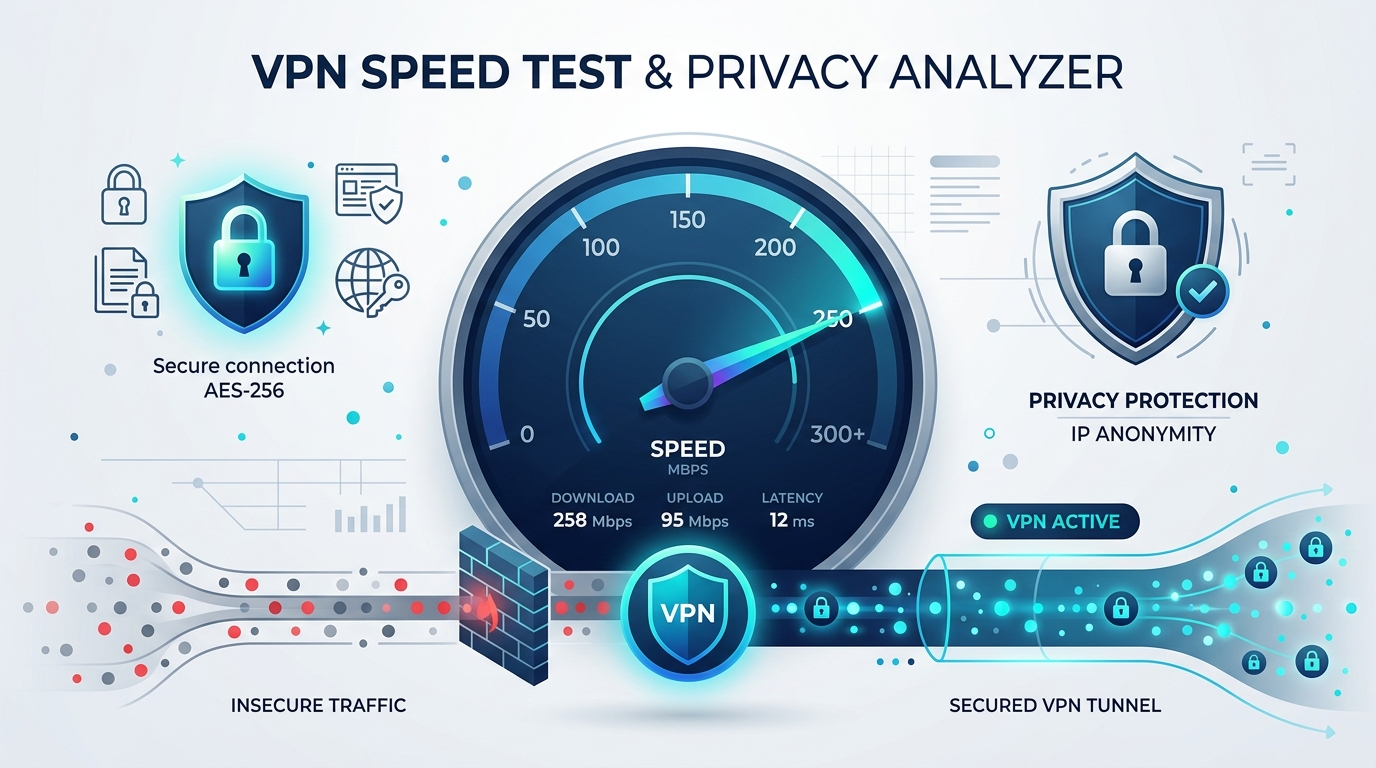
A vpn speed test is a vital tool for ensuring that your active network connection is both fast and secure. Virtual Private Networks encrypt all incoming and outgoing internet traffic, securing your digital footprint from ISP monitoring and malicious actors. However, this encryption process and server routing can result in performance overhead. Overloaded VPN servers can severely bottleneck your bandwidth, leading to buffering, slow downloads, and dropped connections. Running a regular vpn speed test allows you to evaluate your true connection throughput and identify server issues instantly.
Why Run a VPN Speed Test & Connection Audit?
Understanding connection parameters is essential for optimizing your online experience. Many users believe a VPN only affects download speeds, but upload performance, ping latency, and jitter are equally important. For example, remote workers rely on upload bandwidth for video conferencing and cloud backups. Gamers depend on low ping and stable jitter to prevent in-game lag. A comprehensive vpn speed test measures all four of these vital connection parameters to build a full diagnostic profile.
In addition to bandwidth metrics, evaluating connection privacy is critical. A VPN server may display excellent speeds while failing to secure your data. If your connection is misconfigured, your computer could leak DNS requests to your local ISP or reveal your residential IPv4/IPv6 address via WebRTC exposures. This tool pairs speed diagnostics with real-time privacy audits to confirm that your data remains shielded while running at maximum speeds.
Key Connection Parameters Explained
- Download & Upload Speeds: Download indicates how quickly data can be retrieved from remote servers, which determines streaming and browsing quality. Upload indicates how quickly data is transmitted from your browser to the web, affecting file sharing and stream uploads.
- Ping & Jitter (Latency): Ping measures the milliseconds required for a data packet to travel to a server and return. Jitter measures the variance in this response time. High jitter indicates an unstable routing path, leading to audio stuttering and connection lag.
- ISP DNS Leak Auditing: Prevents your browser from routing DNS lookup queries through your local ISP. Our integrated vpn speed test scanner queries global DNS resolvers to verify that your requests stay within secure tunnels.
- WebRTC Leak Audits: WebRTC (Web Real-Time Communication) is used for direct peer-to-peer browser communication but can expose your private IP address. This tool automatically audits your browser to verify that WebRTC protocols are secure.
How to Optimize Your VPN Connection
If your vpn speed test yields poor results, there are several steps you can take to optimize performance:
- Switch Server Locations: Connect to a server physically closer to your actual location to reduce ping latency, or select a less populated server to bypass bandwidth bottlenecks.
- Change Protocols: Toggle between secure VPN protocols like WireGuard (which is built for speed and low overhead) and OpenVPN (which offers high security but can be slower).
- Use split tunneling: Route only critical traffic through your encrypted VPN tunnel while allowing standard media streams to run through your direct connection.
- Audit Your Security Credentials: Verify that you are using strong credentials on all system logins. You can quickly generate strong passwords using our secure Password Generator tool.
- Compare Speed Baselines: Regularly compare your VPN speeds against standard connection standards established by organizations like the FCC Broadband Standards to ensure you are getting the speed you pay for.
Completely Free & Private Testing
Many speed checkers require software downloads or log user search parameters and location data. This vpn speed test runs entirely inside your web browser. We do not store your network diagnostics or IP history. It is a completely free, private utility designed to give you transparent insights into your network security and connection speeds.